Chat Access Rules
The Chat Access Rules page controls exactly which Telegram users are permitted or blocked from using the bot. Rules take effect immediately without requiring a restart.
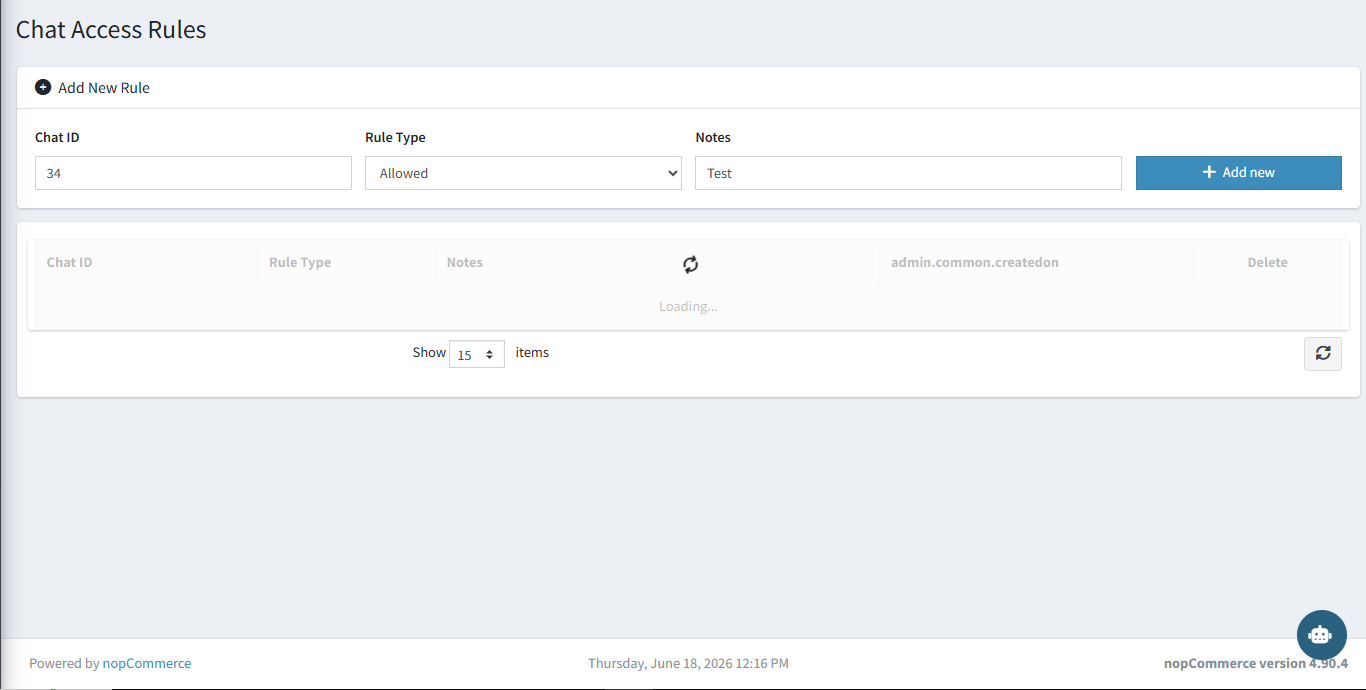
Adding a Rule
Fill in the fields at the top of the page and click + Add New:
| Field | Description |
|---|---|
| Chat ID | The Telegram Chat ID of the user to allow or block. |
| Rule Type | Allowed — grants access. Blocked — denies access regardless of other settings. |
| Notes | Optional internal note to describe why this rule was added. |
Rule List
All existing rules are shown in the grid below the add form. Each row displays the Chat ID, Rule Type, Notes, creation date, and a Delete button to remove the rule.
How it works: If an Allowlist rule exists, only Chat IDs on that list can use the bot. If a Blocklist rule exists for a Chat ID, that user is always denied — even if they are also on the allowlist.