Bundled Products
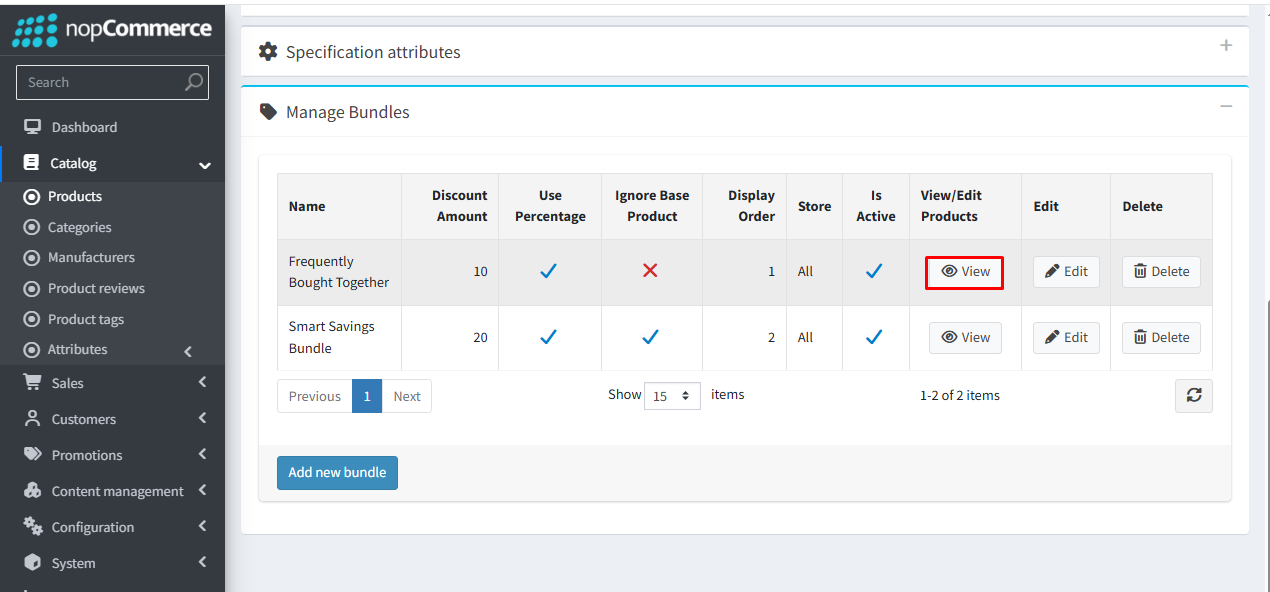
To check the list of products, click View for the bundle in which you want to add or manage products.
You can view the list of products added to the bundle here.
Display Order controls the sequence in which products are shown within a bundle on the product details page. The base product is displayed first, followed by the offer products, in the order defined in the bundle configuration.
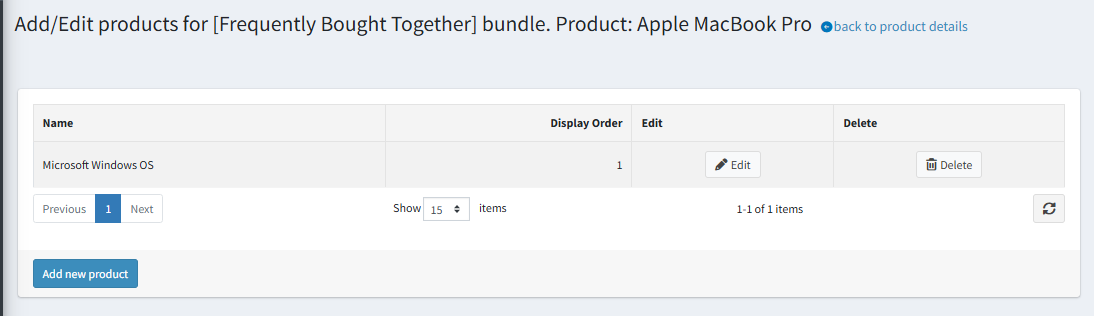
You can add multiple product to the bundle by clicking the Add Product link.