Manage Bundles
As shown in the image below, you can add multiple bundles for a single base product.
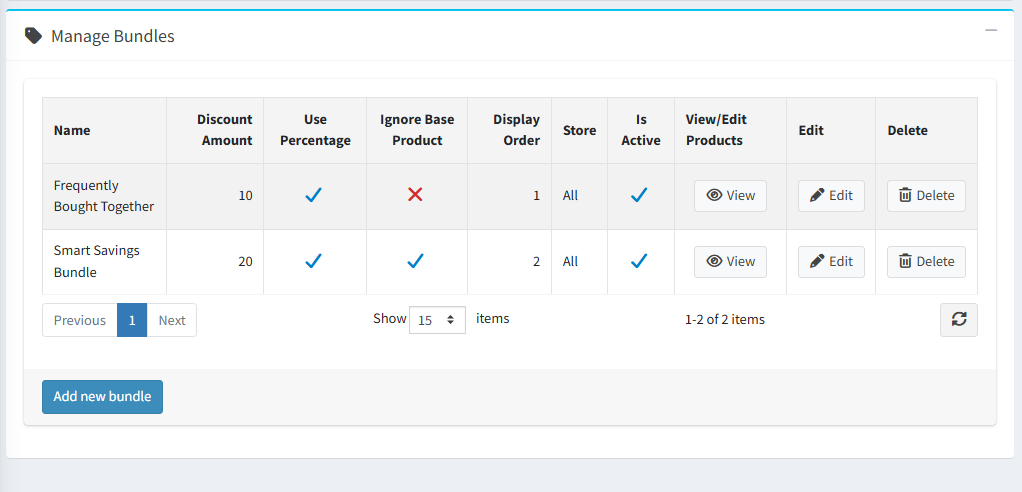
Bundle Configuration Fields
- Name – Defines the bundle name displayed to customers.
- Discount Amount – Specifies the discount applied to the bundle.
- Use Percentage – Determines whether the discount is applied as a percentage or a fixed amount.
- Display Order – Controls the sequence in which bundles appear on the product details page.
- Store – Selects the store where the bundle will be displayed.
- Reference Products – Allows you to add products to the bundle and shows the number of products currently included.
- Is Active – Use this option to activate or deactivate the bundle. Deactivated bundles are not displayed on the product details page.
To configure bundle products, click the Bundled Products list link for the respective bundle.