Accessing the Manage Bundles Tab
- Step 1: Go to Admin Panel.
- Step 2: Navigate to Catalog → Products.
- Step 3: Select the product you want to add to the bundle.
- Step 4: Click Edit to open the Product Edit page.
Once the Product Edit page opens, you will see the Manage Bundles tab as shown below.
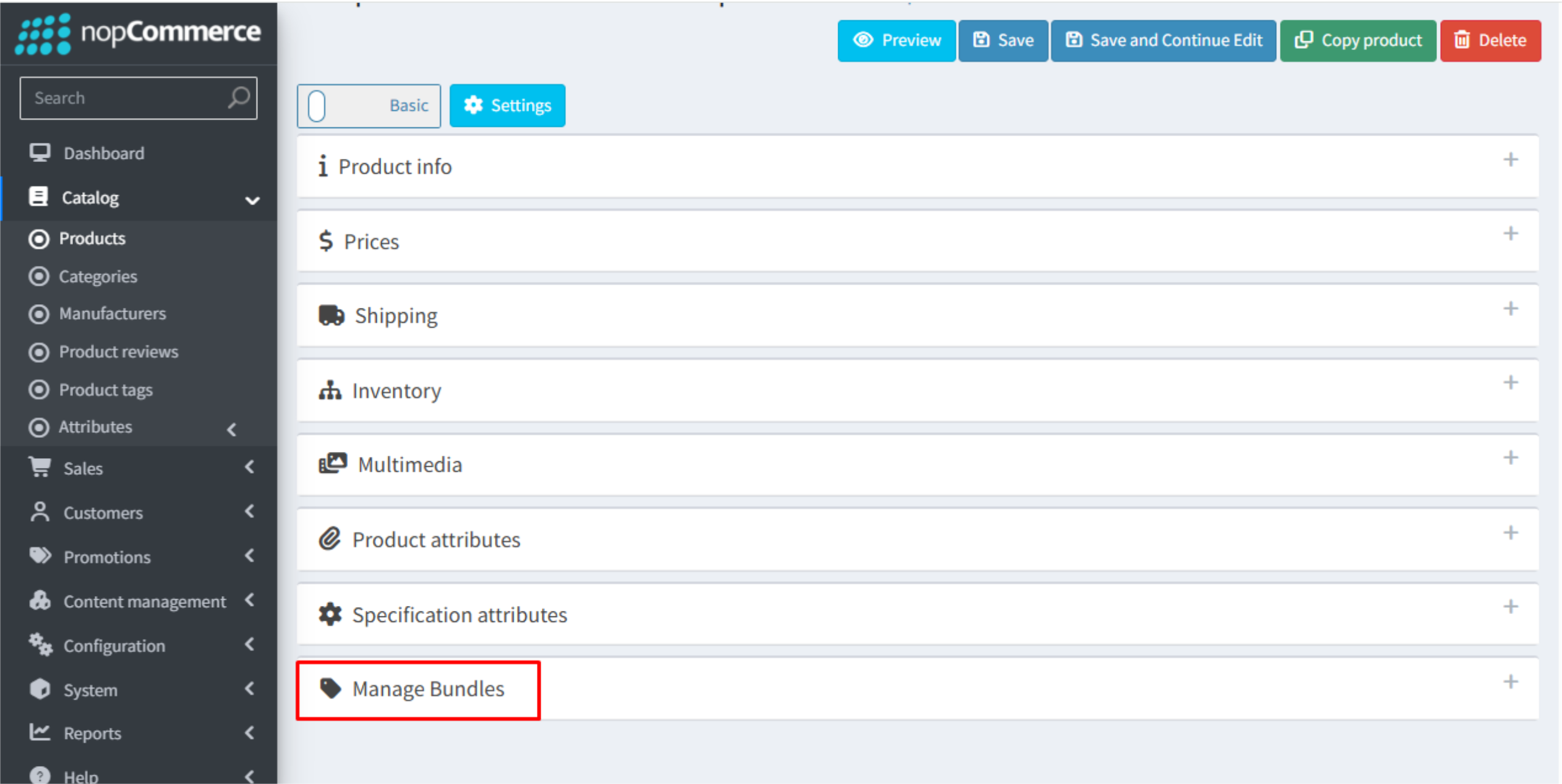
When you click this tab, a page will appear where you can create, manage, and configure product bundles.
The Manage Bundles tab will not be displayed if the product falls under any of the following conditions, as these scenarios are not supported by the plugin:
- The product is a Grouped Product.
- The product is a Gift Card.
- Customer Enters Price is enabled for the product.
If none of the above conditions apply to your product, you can get help from our team. Please refer How to get help.