Display Bundle List
As shown in the image below, you can add a bundle to the cart by clicking Add to Cart for your selected bundle.
- You can add the same bundle to the cart multiple times.
- You can also add multiple different bundles to the cart in a single order.
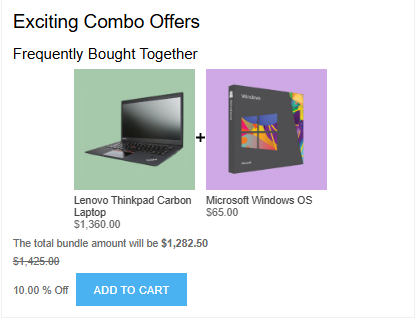
When you click the Add to Cart button, if any product in the bundle has configurable attributes, a pop-up window will appear allowing you to select the required options.
You can view the applied bundle discounts on the Cart and Order Summary pages.
If bundles are not visible on the product details page, please check:
- Products are added to the bundle.
- The bundle is set to Active.
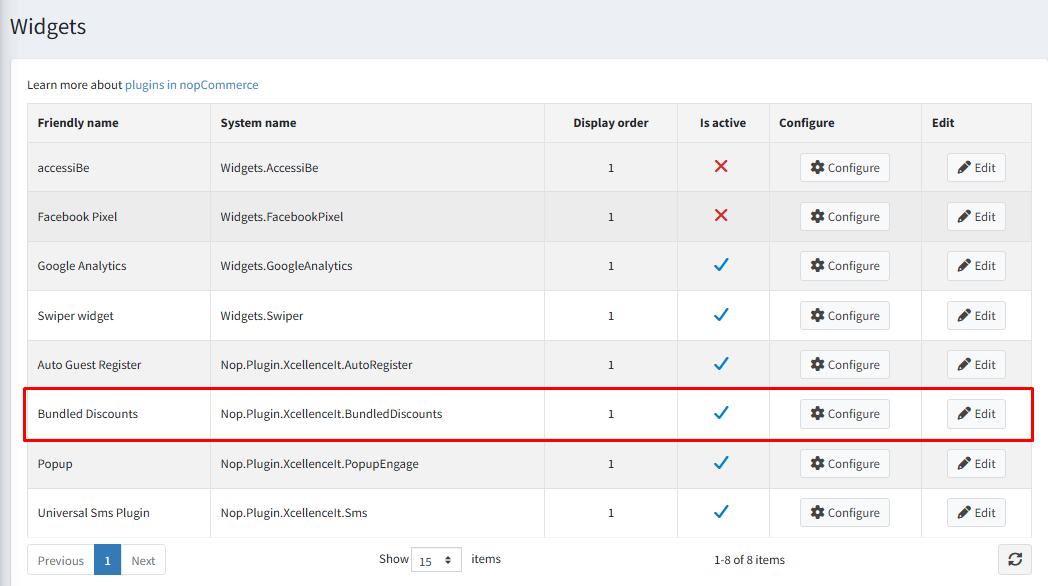
- The Bundled Discounts widget is enabled, as shown in the image below.
If you still cannot see the bundle list on the product details page, please contact our support team. Refer to How to get help for assistance.