Bot Templates
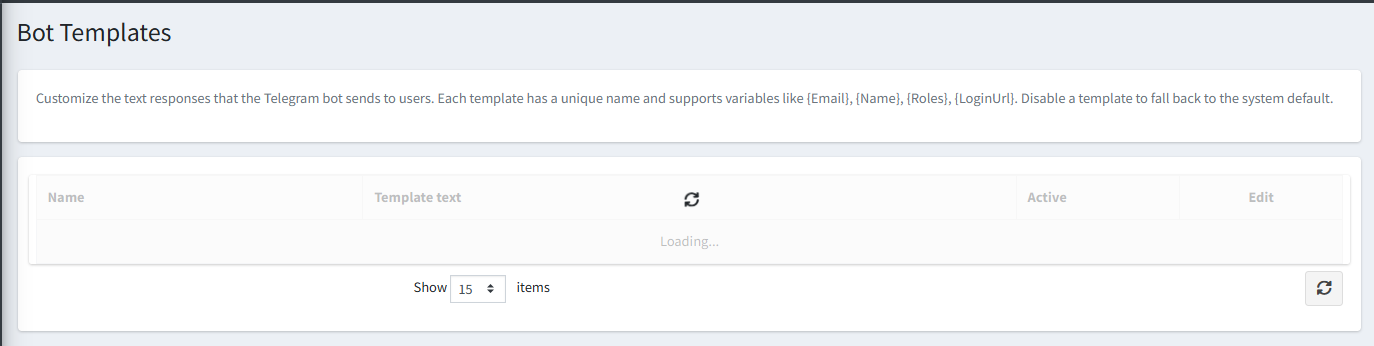
The Bot Templates page lets you customize the text responses that the Telegram bot sends to users — such as welcome messages, error messages, help text, and confirmation prompts.
How Templates Work
Each template has a unique Name and a Template Text field. Templates support dynamic variables such as {Email}, {Name}, {Roles}, and {LoginUrl} which are automatically replaced with real values when the message is sent.
- If a template is set to Active, the bot uses your custom text.
- If a template is disabled, the bot falls back to the built-in system default for that message.
Template List Columns
| Column | Description |
|---|---|
| Name | The internal identifier for this template. |
| Template Text | The message text the bot will send, with variable placeholders. |
| Active | Whether this custom template is currently in use. |
| Edit | Opens the template for editing. |
Tip: You can export and import all templates as a JSON file for backup or to copy your customizations to another store.