Installation Guide
👉 Download the Popup Engage plugin from our store:
https://shop.nopaccelerate.com/popup-engage-plugin-nopcommerce
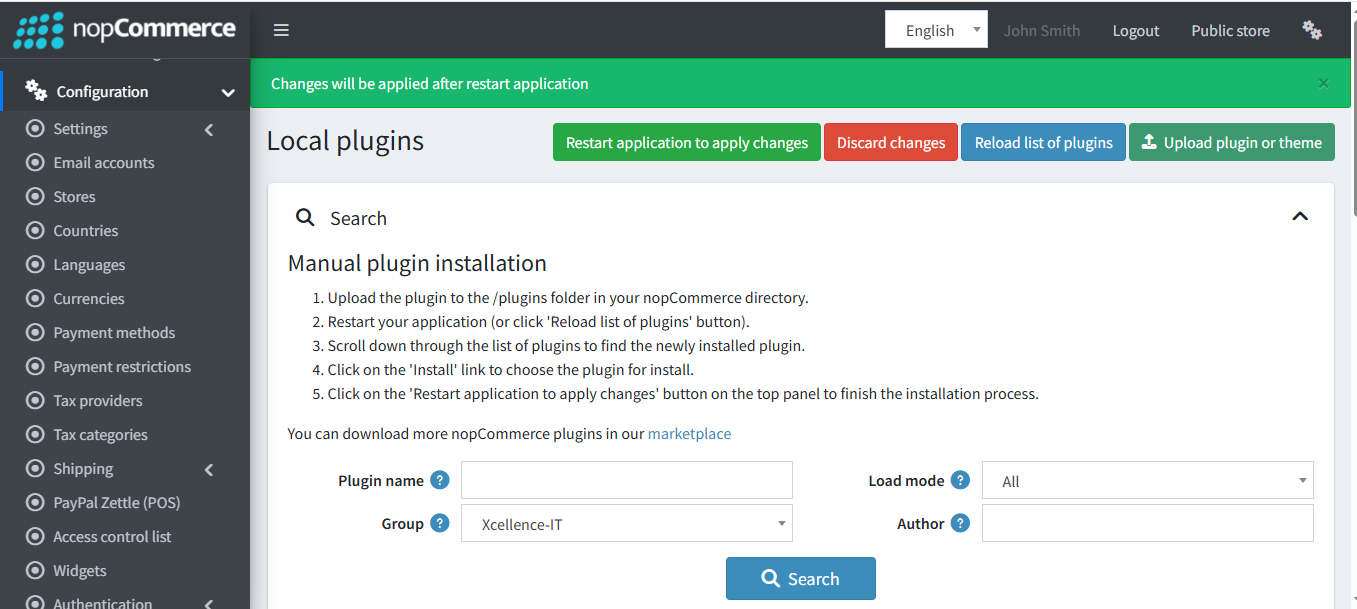
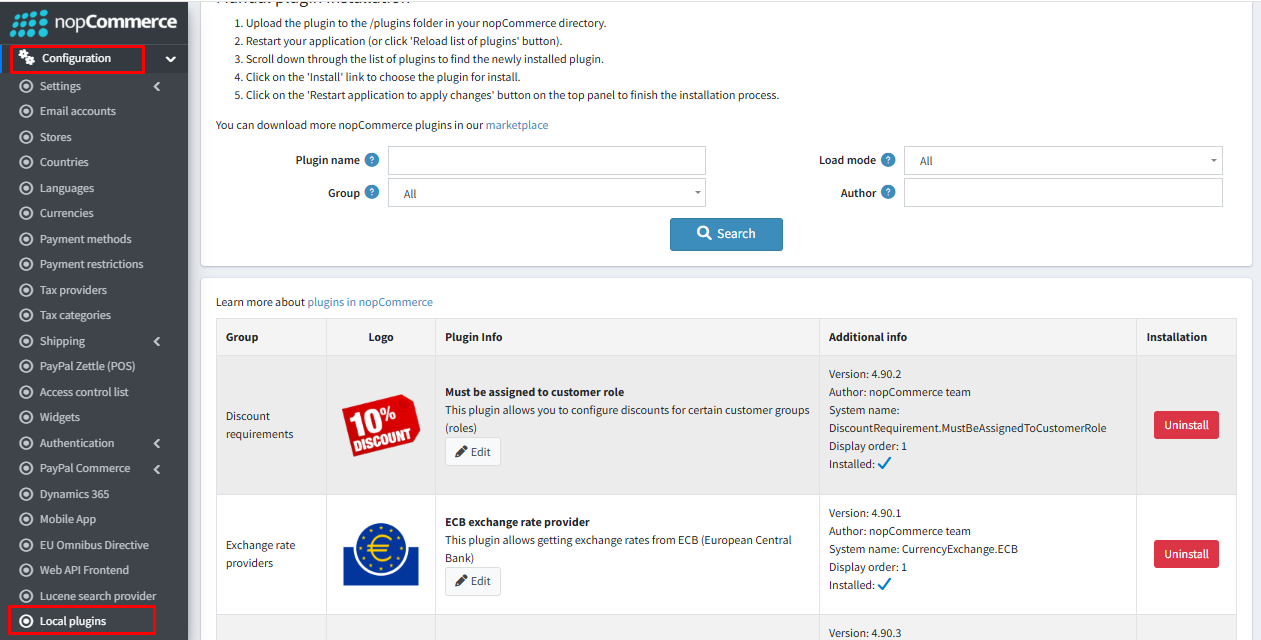
Step 1 : Go to Administration → Configuration → Local plugins.
Step 2 : Upload the PopupEnage zip file using the "Upload plugin or theme" button.
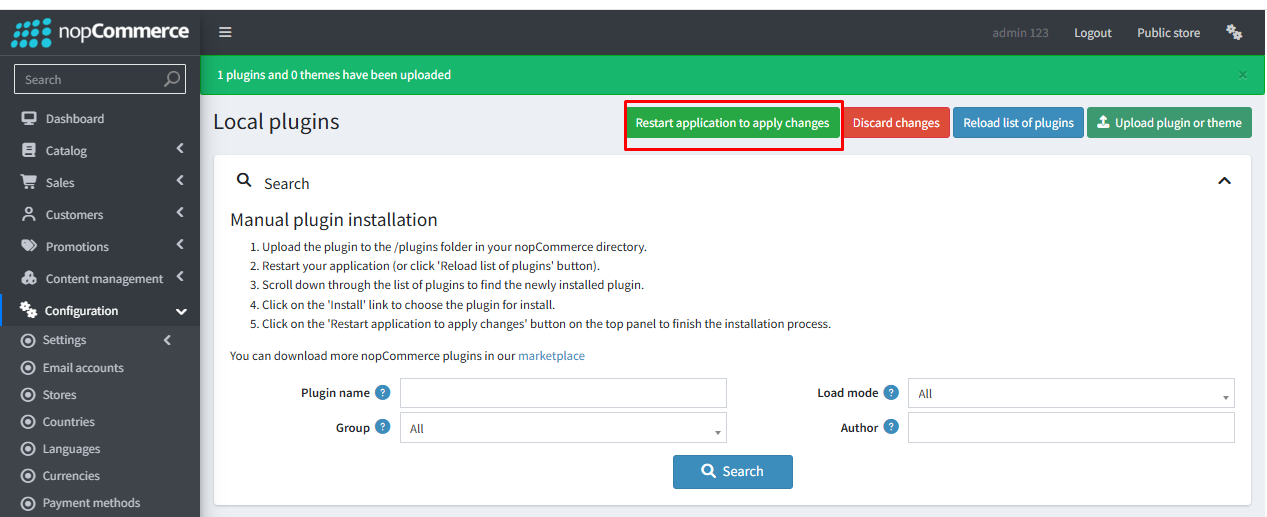
Step 3 : Restart the application.
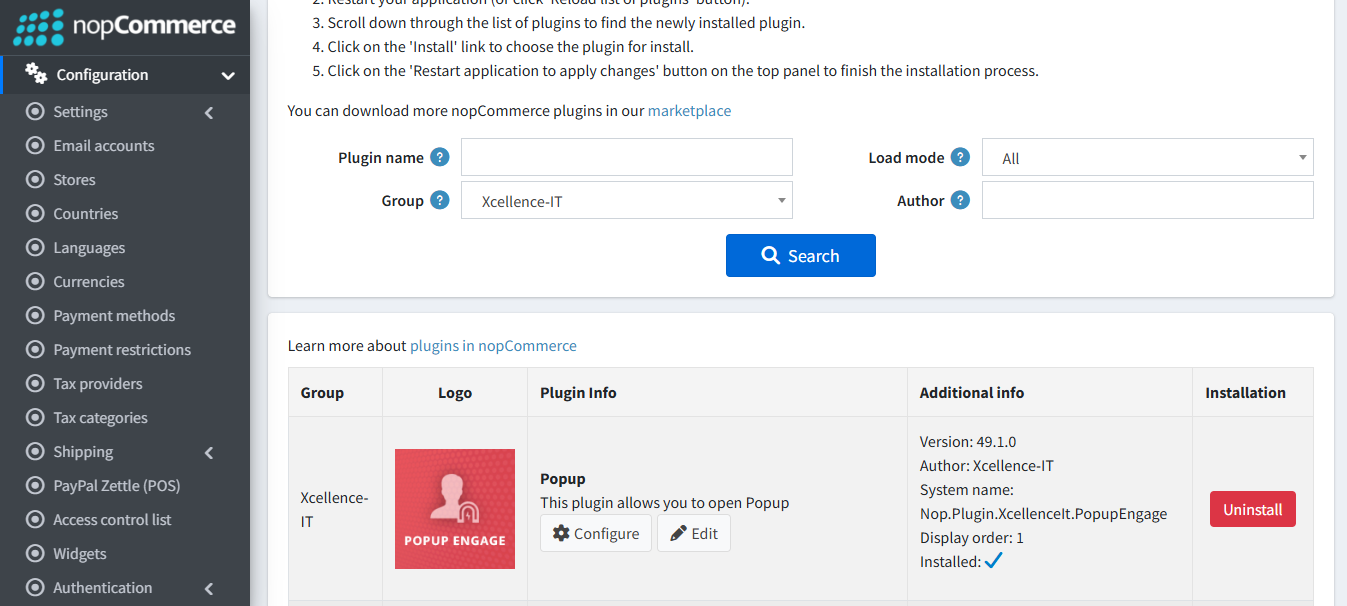
Step 4 : Locate Popup Engage under the Xcellence-IT group.
Step 5 : Click Install to complete the setup.
Step 6 : After installation, click “Restart application to apply changes” at the top of the page.